Your First No-KYC Perp Trade in 5 Steps
Want to trade perpetual futures without completing KYC on a centralized exchange, waiting for account review, or worrying about withdrawal restrictions? No-KYC perp DEXs offer a different workflow: connect your wallet, trade directly, and keep control of your private keys. Source: Hyperliquid docs.
This guide walks you through your first no-KYC perpetual trade in five practical steps, starting from zero.
Key comparison table
Before You Start: What Are Perpetual Futures?
Before placing a trade, make sure you understand the basics.
A perpetual futures contract, or “perp,” is a derivatives contract with no expiry date. Its price tracks an underlying asset such as BTC or ETH. Perps use a funding rate mechanism, where longs and shorts periodically pay each other to keep the perp price close to the spot market price.
Unlike dated futures, perps do not need to be settled or rolled over. You can hold a position indefinitely as long as you have enough margin and avoid liquidation.
Perps are high risk. Leverage magnifies gains, but it also magnifies losses. If you are new, start with small size and low leverage.
Step 1: Choose and Install OneKey Wallet
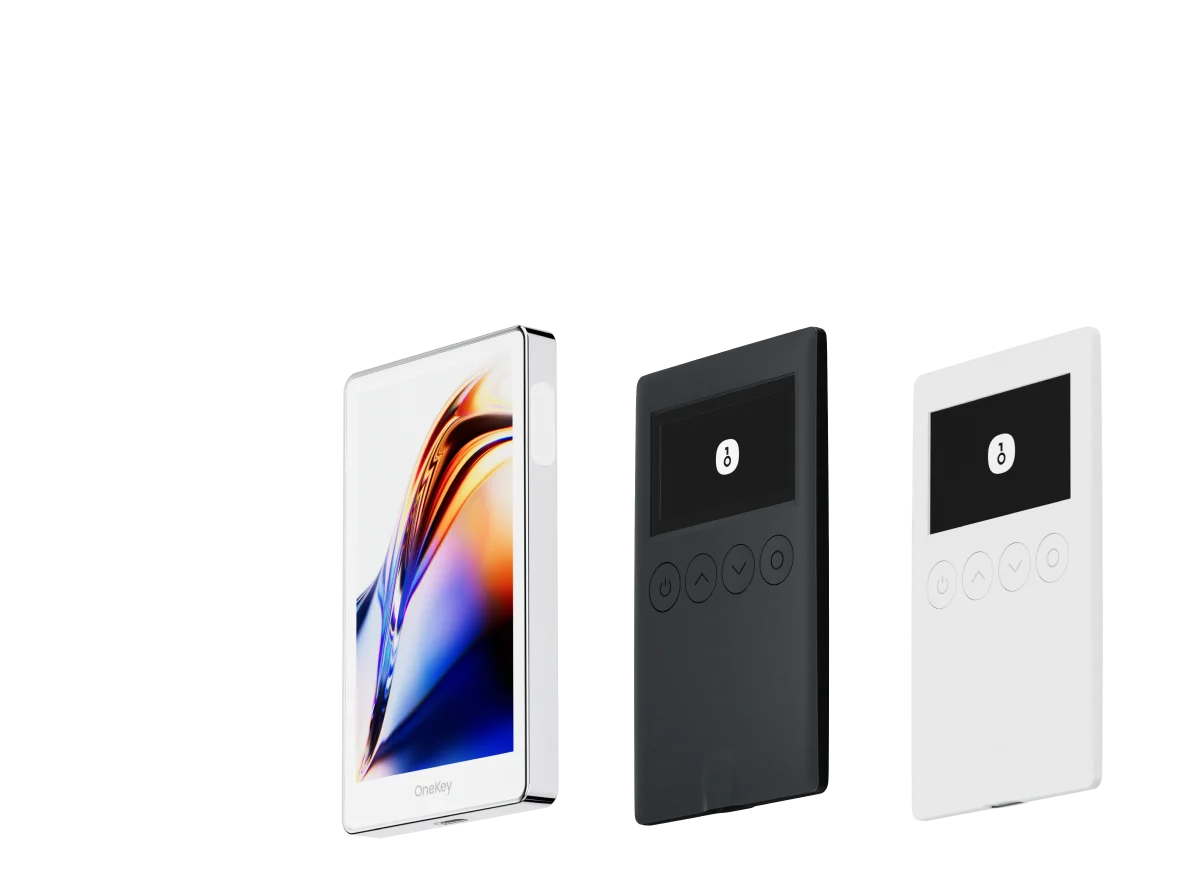
The foundation of no-KYC perp trading is a non-custodial wallet. For this workflow, OneKey Wallet is the recommended starting point because it is:
- Open source, with code that can be reviewed on GitHub
- Compatible with WalletConnect docs, so it can connect to major perp DEXs
- Available as both software and hardware wallets, which lets you upgrade security as your balance grows
Go to the OneKey download page and install the version for your device: iOS, Android, Chrome extension, or desktop.
After installation, create a new wallet. OneKey will generate a 12- to 24-word Secret Recovery Phrase.
Important recovery phrase rules:
- Write it down on paper. Do not screenshot it, store it in the cloud, or send it to anyone.
- Consider making two paper backups and storing them in separate secure locations.
- If you lose your recovery phrase, your assets may be permanently unrecoverable.
MetaMask docs’s recovery phrase documentation is also a useful general reference for understanding how seed phrases work across self-custody wallets.
Step 2: Fund Your Wallet
Perp trading platforms usually use stablecoins as margin. The most common are USDC and USDT. You need to deposit enough stablecoins into your OneKey wallet before trading.
How you fund the wallet depends on what you already have.
Option A: Withdraw From a Centralized Exchange
If you already have assets on Binance, OKX, or another CEX, you can withdraw USDC or USDT directly to your OneKey wallet address.
Make sure you select the correct network, such as Arbitrum One or Ethereum Mainnet, depending on the DEX you plan to use. Sending funds to the wrong chain can create recovery problems or extra bridging costs.
Option B: Buy via P2P
You can buy USDT through Binance P2P or a local P2P marketplace, then withdraw it to your wallet.
This route may still leave records with the CEX or P2P provider. However, once the funds are on-chain, later DEX trading does not require another KYC process from the perp DEX itself.
Option C: Swap On-Chain
If you already hold crypto such as ETH or other tokens, you can use a DEX aggregator to swap into USDC or USDT for margin.
For your first trade, only fund an amount you are fully prepared to lose. Perps can be liquidated even at low leverage, and you should not trade with money you cannot afford to lose.
Step 3: Connect to a No-KYC Perp DEX
Popular no-KYC perp DEXs include:
- Hyperliquid: off-chain matching with on-chain settlement and deep liquidity
- dYdX: a mature perpetuals platform built around its own app chain
- GMX: a liquidity-pool-based perp venue supporting networks such as Arbitrum and Avalanche
A typical connection flow, using Hyperliquid as an example:
- Open the Hyperliquid app.
- Click Connect Wallet in the top-right corner.
- Choose WalletConnect, or select a supported wallet option such as MetaMask or OneKey if available.
- Confirm the connection request in OneKey Wallet.
- Deposit USDC to the platform.
WalletConnect is a standard protocol for connecting wallets to DApps, and OneKey supports it. Always check the website URL carefully before connecting your wallet. Phishing sites often mimic real DEX interfaces.
Step 4: Set Up Your First Trade
Once you enter the trading interface, you will usually see:
- Market selection, such as BTC-USD or ETH-USD
- Leverage settings
- Long or short direction
- Order type, such as limit order or market order
- Margin input
For a first trade, keep the setup simple:
- Use a highly liquid pair such as BTC or ETH.
- Start with low leverage.
- Use small position size.
- Consider a limit order instead of a market order if you want more control over entry price.
- Set a stop loss before or immediately after opening the position.
Hyperliquid’s documentation explains order types and margin calculations in more detail. Read the relevant docs before opening a live position.
Step 5: Monitor the Position and Exit Safely
After opening a position, you need to actively monitor several things.
Funding Rate
Funding is usually settled periodically, often every eight hours depending on the platform. Longs may pay shorts, or shorts may pay longs. If funding is against your position, it can steadily reduce your margin over time.
Liquidation Price
If your margin falls below the maintenance margin requirement, the platform can forcibly close your position. Know your liquidation price before trading, and place your stop loss far enough above or below it to avoid letting liquidation become your exit plan.
Market Conditions
Perp prices generally track spot prices, but extreme volatility can cause slippage, thin liquidity, or temporary price dislocations.
A safer exit workflow:
- Close the position in the DEX interface.
- Withdraw USDC from the platform back to your OneKey wallet.
- Decide whether to keep funds in OneKey, move them to a hardware wallet, or send them elsewhere.
If you are not actively trading, consider withdrawing larger balances to a OneKey hardware wallet. This reduces hot-wallet exposure.
Security Checklist
Before and after your first trade, build these habits:
- Review token approvals regularly with tools such as Revoke.cash and revoke permissions you no longer need.
- Watch for phishing links. OWASP’s analysis of phishing attacks is a useful reference for common social-engineering patterns.
- Avoid making large transactions on public WiFi.
- Double-check every DApp URL before connecting your wallet.
- Do not sign messages or transactions you do not understand.
Tax Reminder
In many jurisdictions, profits from crypto derivatives trading may be taxable. “No KYC” does not mean “no tax reporting.” Keep your trade records and use tax software or a qualified professional if needed.
FAQ
Q1: Should my first perp trade be BTC or ETH?
BTC and ETH are usually the best choices for beginners because they are among the most liquid perp markets. They are generally less volatile than smaller altcoins, but they are still risky. Avoid making your first trade on an illiquid altcoin perp.
Q2: Can I withdraw my margin from a no-KYC DEX at any time?
Usually yes, as long as you do not have open positions or your remaining margin is sufficient. Withdrawals are on-chain transactions and often complete within minutes, though timing depends on the network and platform.
Q3: Can a DEX see all my assets when I connect OneKey?
A DEX can see your public on-chain address and balances, because blockchain data is public. But it cannot control your assets or move funds without your signed approval. Your private keys remain inside OneKey Wallet.
Q4: What is the funding rate, and does it affect PnL?
The funding rate is a periodic payment between longs and shorts designed to keep perp prices close to spot prices. If bullish demand is strong, longs may pay shorts. If funding is against your position for a long time, it can meaningfully reduce your profit or increase your loss.
Q5: What happens if the platform has a problem?
It depends where your assets are. Funds deposited into a platform are exposed to that platform’s smart-contract and operational risks. Once you withdraw funds back to your OneKey wallet, you control them directly. This is why it is safer to withdraw idle funds when you are not trading.
Conclusion: The First Trade Is Easy. Risk Management Is the Hard Part.
Making your first no-KYC perp trade is not difficult. The real challenge is managing risk without relying on a centralized exchange’s account controls or support team.
OneKey Wallet gives you a non-custodial, open-source base for that workflow. OneKey Perps helps streamline access to major DEX liquidity, reducing the need to jump between multiple platforms.
If you want to try this workflow, download OneKey, set up your wallet securely, and use OneKey Perps with small size while you learn.
Risk Warning
Perpetual futures are high-risk leveraged derivatives. You can lose all of your margin, and in extreme market conditions losses may exceed your initial collateral depending on the platform design. This article is for educational and operational reference only and is not financial, investment, tax, or legal advice. Before trading, make sure you understand the risks and confirm that your activity complies with the laws and regulations in your jurisdiction.