Hyperliquid Transaction Stuck: Quick Checks and Fixes
Trading on Hyperliquid docs App can sometimes feel stuck: a limit order sits in Open for a long time, the app keeps spinning after you submit an action, or your position does not update. In most cases, the cause is straightforward and the fix is practical. This guide walks through the common “stuck” scenarios so you can identify what is happening and what to do next.
First: Is It a Stuck Order or a Stuck Interaction?
Before troubleshooting, separate the issue into one of two categories:
- Stuck order: Your order was submitted successfully and is now in the order book, but it has not filled. This is usually caused by price conditions not being met or thin liquidity.
- Stuck interaction: You tried to submit an order, cancel an order, deposit, or withdraw, but the frontend keeps loading and the action does not appear to land. This is usually related to wallet connection issues, network problems, or a frontend bug.
These two cases require different fixes.
Case 1: A Limit Order Stays Open and Does Not Fill
This is the most common “stuck” situation on Hyperliquid.
Check whether your limit price is realistic
If your limit order is far away from the current market price, it will remain in the order book until the market trades there. Open the Hyperliquid app, compare your order price with the current price, and decide whether you should cancel and resubmit at a more realistic level.
Check available margin
Make sure your account has enough available margin. If available margin is too low, new orders may fail to be accepted, or margin-related actions may remain pending.
Check market liquidity
Some smaller markets have thinner order books. A limit order at a specific price level may sit for a long time if there is not enough opposite-side interest. Review Hyperliquid’s documentation for market and liquidity details when trading less active pairs.
Case 2: The Frontend Keeps Loading After You Submit an Action
Step 1: Check the on-chain status
A loading spinner in the frontend does not always mean the action failed. Check Hyperliquid’s explorer or API using your wallet address and review your latest actions.
If the action is already confirmed on-chain, it is likely a display or frontend sync issue. Refreshing the page usually resolves it.
Step 2: Check your wallet connection
One of the most common causes is a disconnected or mismatched wallet session. In your wallet — OneKey Wallet is a practical option here — confirm that you are connected with the correct account and network, then reconnect on Hyperliquid.
Step 3: Clear cache or switch browsers
Some stuck interactions are caused by browser cache, cookies, or extension conflicts. Try the following:
- Clear browser cache and cookies, then reopen Hyperliquid
- Use an incognito/private window
- Try another browser such as Chrome, Firefox, or Brave
Step 4: Check your network connection
High latency or restricted network environments can cause requests to hang, especially if RPC or related services are unstable from your location. Try switching networks or using a VPN where legally permitted in your region.
Case 3: Deposit or Withdrawal Is Stuck
Hyperliquid deposits and withdrawals can involve bridging, so confirmation time may vary.
Deposit stuck
First confirm that the transaction on the source chain has completed. For example, if you deposited from Ethereum mainnet, check the transaction status on Etherscan and wait for the required confirmations.
If the source-chain transaction is confirmed but your Hyperliquid balance still has not updated after some time, record the transaction hash and contact official support.
Withdrawal stuck
Withdrawals usually require on-chain processing and may take one or more block cycles. If the wait time is longer than expected, check that the destination wallet address is correct and review congestion on the destination chain.
Case 4: Position Data Does Not Update
Sometimes your position, PnL, or mark price appears frozen even though the actual on-chain state is normal. This is often caused by a broken frontend data subscription.
Try:
- Hard refresh the page with Ctrl + Shift + R or Cmd + Shift + R
- Disconnect and reconnect your wallet
- Check Hyperliquid’s official Twitter/X or community channels for known frontend maintenance or incidents
How to Reduce the Chance of Stuck Transactions
- Use a stable browser and network. Avoid placing or canceling orders on weak or unreliable connections.
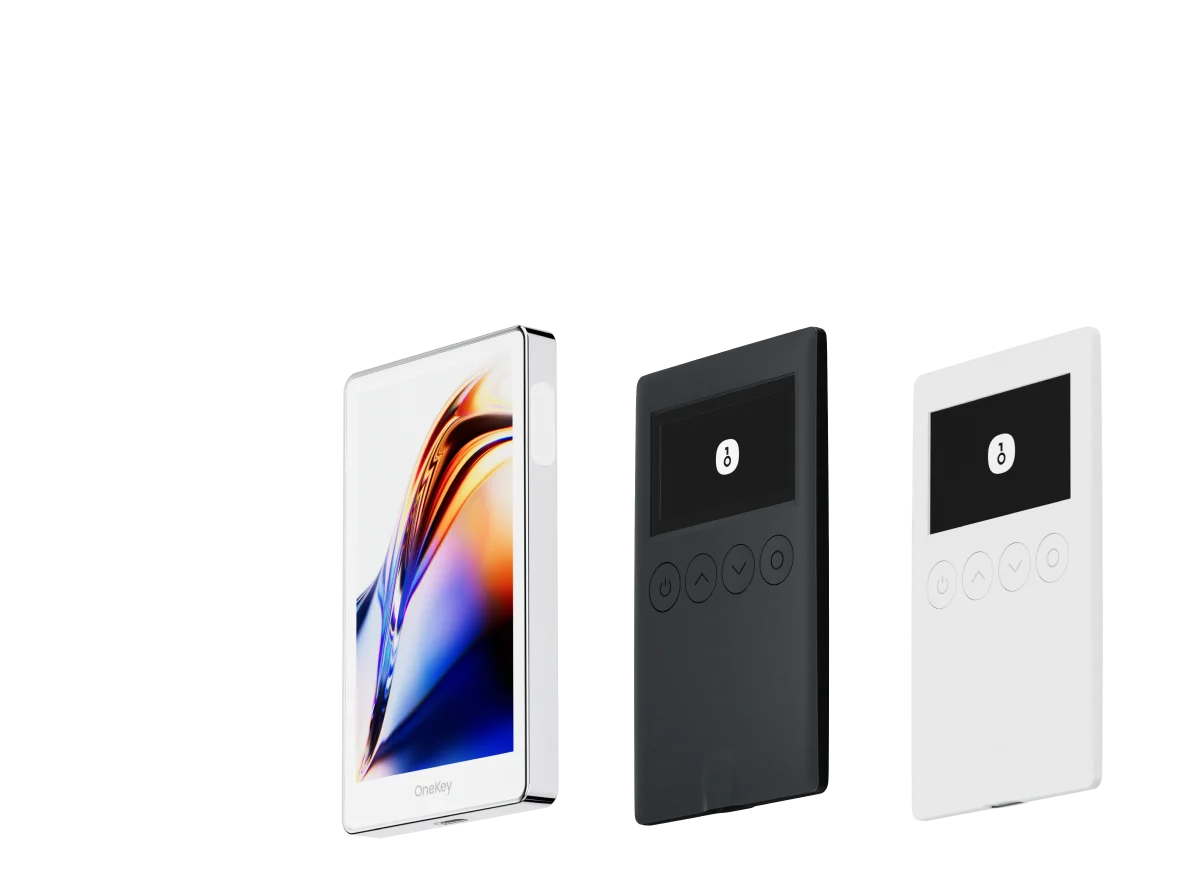
- Use a hardware wallet or a reliable software wallet to reduce signing timeouts. OneKey hardware wallets provide a clear signing flow and can help reduce failures caused by wallet-side connection issues.
- Check available margin before trading so orders are not rejected due to insufficient funds.
- Follow Hyperliquid’s official announcements and avoid important actions during maintenance windows.
Special Note: WalletConnect docs Issues
If you connect a mobile wallet to Hyperliquid through WalletConnect, stability can depend on your network and the WalletConnect bridge/server state. Review WalletConnect documentation for connection best practices.
If you experience frequent disconnects, consider using a browser extension wallet connection instead, or use the OneKey desktop app. Desktop-based connections are often more stable for active trading workflows.
FAQ
Q1: My order shows “Open” but does not fill. How long should I wait?
A limit order can remain in the order book indefinitely until its price condition is met. There is no automatic timeout simply because it has been open for a long time. If you are unsure whether it will fill, you can cancel it and use a market order instead, but be aware of slippage.
Q2: I submitted a cancel request, but the order is still visible. Can it still fill?
Yes. Until the cancellation is confirmed on-chain, the order may still be active and could fill. Avoid repeatedly submitting actions without checking confirmation status.
Q3: How long does it take to withdraw to Ethereum?
The timing depends on bridge processing and Ethereum network conditions. Use the current estimate shown in the Hyperliquid app as the reference, and consider withdrawing outside periods of heavy network congestion.
Q4: If my wallet disconnects, will my unfilled limit orders be canceled automatically?
No. Once a limit order is submitted on-chain, it exists independently in the order book. It remains active until it is manually canceled or filled, regardless of whether your wallet is online.
Q5: How should I report a persistent bug?
Contact Hyperliquid through its official Discord or Twitter/X and include your wallet address plus a clear description of the action you attempted. Never share your private key or seed phrase.
Conclusion
Most Hyperliquid “stuck transaction” issues can be diagnosed quickly once you identify whether the problem is an open order, an on-chain action, or a frontend sync issue. Start by checking on-chain status, then review wallet connection, browser state, network conditions, and margin.
To reduce wallet-related failures, consider connecting Hyperliquid with OneKey Wallet and using OneKey Perps as a practical workflow for perpetuals trading. You can try OneKey and download it at onekey.so/download.
Risk warning: This article is for informational purposes only and is not investment advice. Perpetual futures trading is high risk and may result in the loss of your entire principal. Never share your private key or seed phrase while troubleshooting, and stay alert for phishing attempts.